Buildmatica
Texture Packsby VoxenMC2
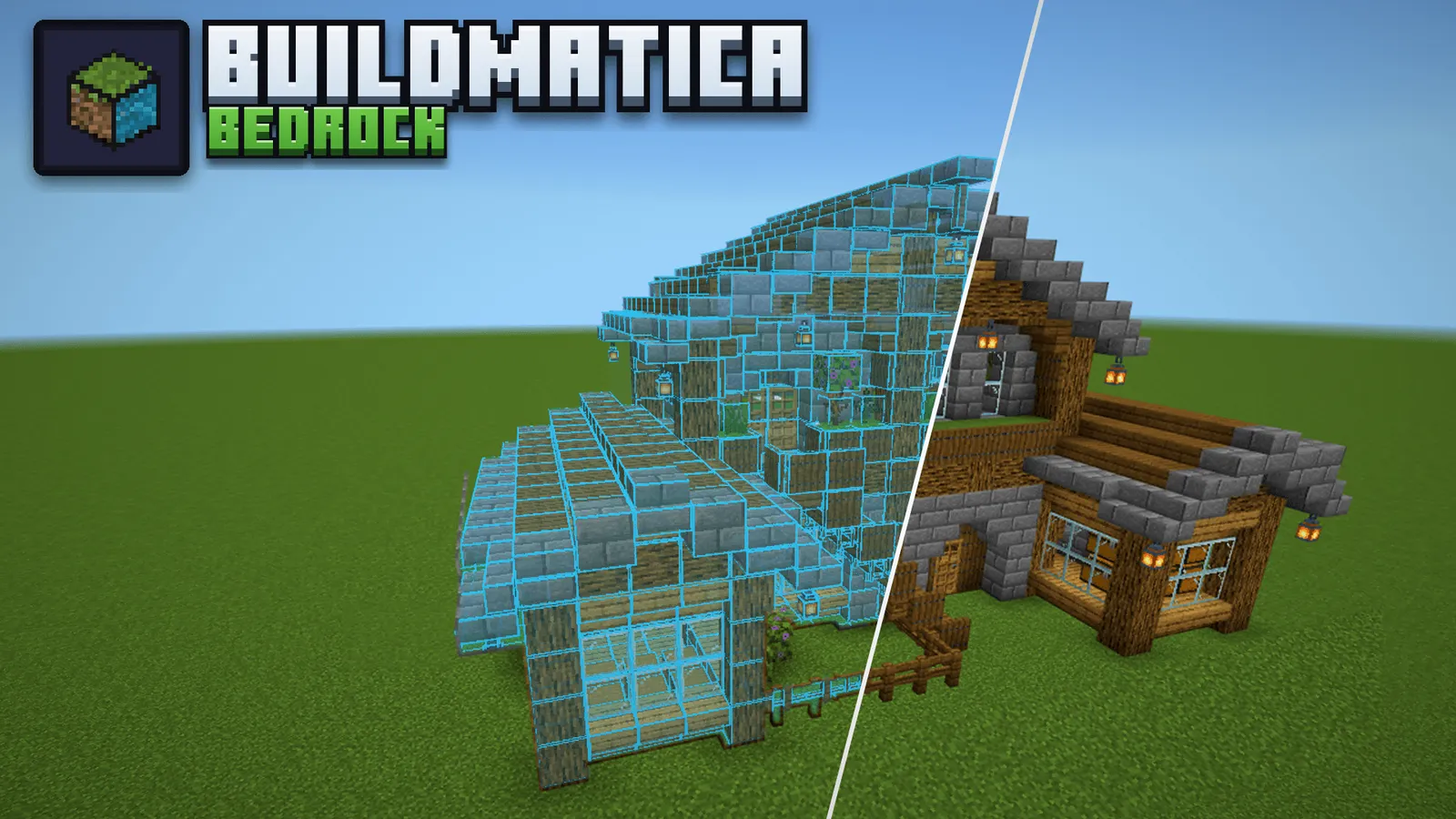
Build with holographic blueprints in Minecraft Bedrock. A resource pack by VoxenMC2, with starter builds and support for custom structures.
259 total link clicksNo ratings yet26.50Updated 19h ago
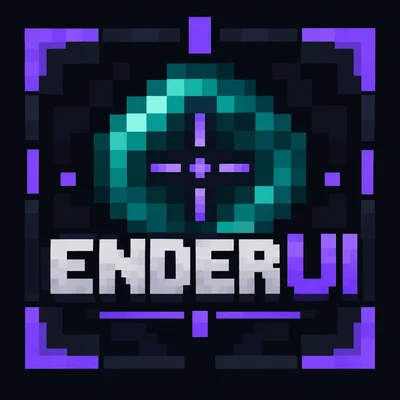
An Ore-UI styled all-in-one client pack for Minecraft Bedrock by Arshad, with a mod menu, HUD modules, custom crosshairs and quality-of-life tweaks.
No ratings yet
Sign in to rate or follow.
Download Ender UI on CurseForge
Goes to www.curseforge.com
This file is hosted elsewhere. It has not been scanned by this site.
Published 17 Oct 2026
Download links are short-lived and are generated when you press the button.
Download the .mcpack from the CurseForge page and open it to import it into Minecraft.
Go to Settings → Global Resources and activate Ender UI. The pack settings let you choose the Default or Clear Fog subpack.
In a world, pause and double-click Mod Menu. Coordinates and Days Played only appear when those options are turned on in the world settings.
by VoxenMC2
Build with holographic blueprints in Minecraft Bedrock. A resource pack by VoxenMC2, with starter builds and support for custom structures.
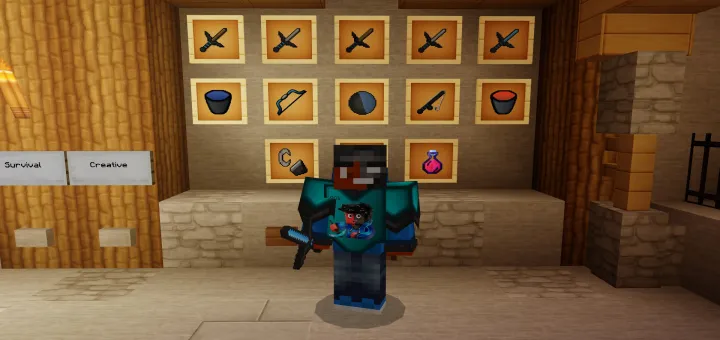
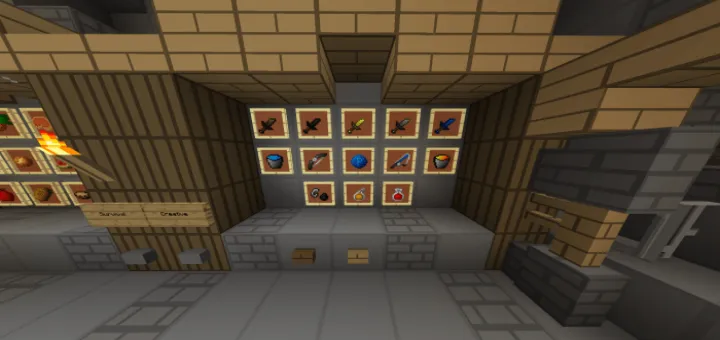
Celebrate 90,000 subscribers with PatarHD’s Bedrock PvP pack by PacoRxsh, featuring the original 32x and 128x texture collection.
The official PatarHD 100K celebration pack for Bedrock, with redesigned swords, armor, a clean hotbar and Java-style interface elements.
The official 16x PatarHD 70K subscriber pack, created by Lifeisagame for the WitherArmy and Minecraft Bedrock PvP.
PatarHD’s private 16x PvP texture pack, released for the community. Created by JustRaf_ with a clean, coordinated look.